
Setting the Scene — why this comparison matter
Mi keep it plain: field teams need compute that just works when RTK and UWB push for centimeter accuracy. For many deployments a rugged touchscreen like an industrial panel pc sits at the center, and the choice between ARM and x86 SoC shapes battery life, thermal behavior, and real-time throughput. RTK and GNSS positioning are standard in professional surveying and construction — used on projects like Crossrail for tight tolerances — so the stakes are real and the hardware must not choke when precision matters.
ARM strengths: efficient, cool, and lasting
ARM designs usually run cooler and sip power. That matters on vehicles and handheld rugged terminals where battery life and IP67-rated enclosures are critical. For UWB ranging and continuous GNSS corrections, low power equals longer mission time and less risk of thermal throttling. ARM platforms often pair well with integrated radios and sensor fusion stacks, which keeps system latency down for position fixes and path corrections.
x86 strengths: raw throughput and legacy compatibility
x86 chips still win when you need single-thread horsepower, heavy-duty signal processing, or support for legacy Windows applications used by many field offices. When you run edge analytics, large Kalman filters, or multiple RTK streams simultaneously, x86 can maintain higher sustained compute — but expect higher power draw and a need for more robust cooling solutions inside the rugged chassis.
Real-world trade-offs: latency, thermal, and determinism
In the field, the trade-offs show up quick. ARM gives lower average thermal profile and thus steadier uptime; x86 gives more raw compute headroom. For high-precision positioning, predictability matters: jitter and latency spikes will corrupt sensor fusion and affect fix stability. Choose based on the worst-case workload (continuous RTK corrections plus UWB fusion plus GUI rendering), not the idle use case.
Integration and display — where the system meets the user
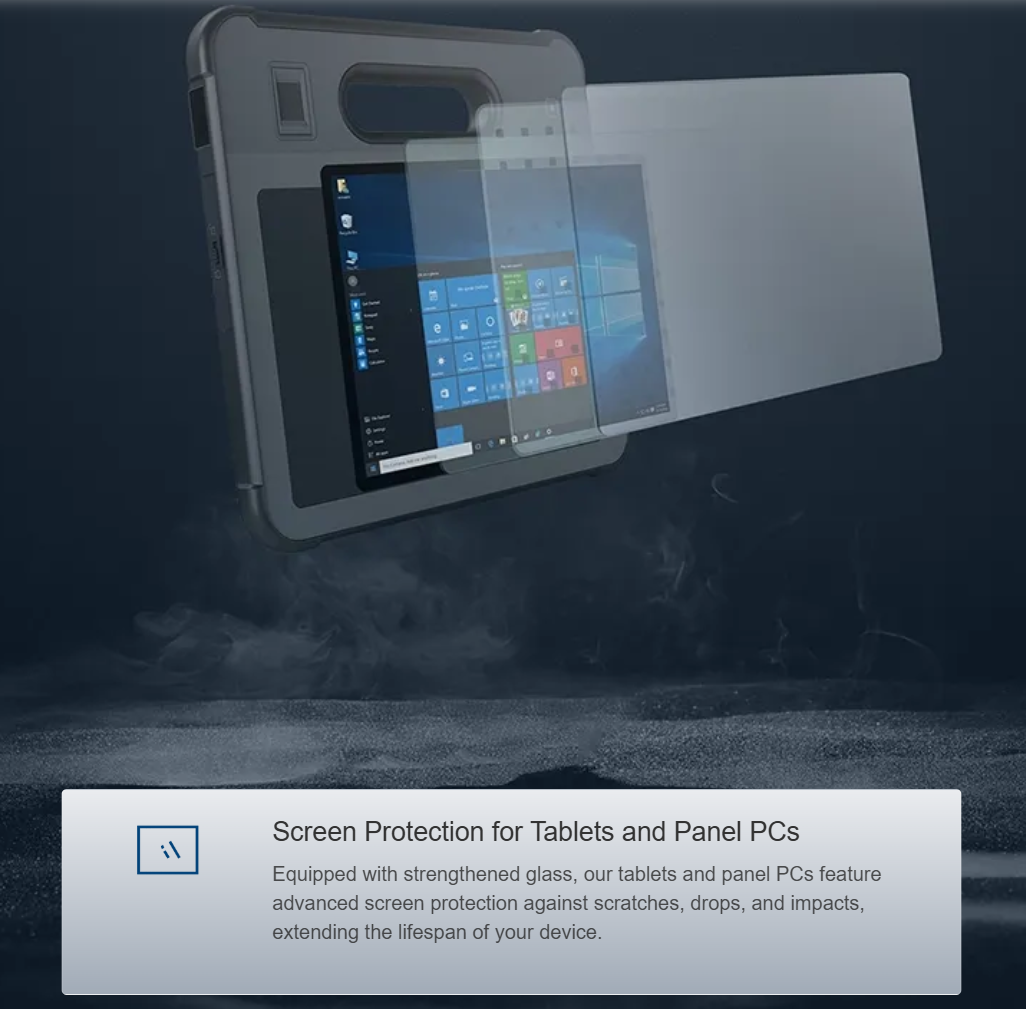
Display latency, touchscreen responsiveness, and ruggedness are as important as CPU choice. A good industrial display screen that resists glare and survives drops keeps the operator effective. Drivers, GPU acceleration, and OS support for touch and anti-glare layers influence whether the whole stack behaves like a single tool or a pile of parts. Pick an HMI matched to the compute profile — lightweight UI with ARM, or richer visualization with x86.
Common mistakes teams make
Teams pick chips off bench tests, then forget the field: poor thermal paths, inadequate EMI shielding for UWB, and mismatched power budgets. Another misstep is assuming more cores always help—real-time RTK processing is often latency-sensitive, not just parallel work. Also, overlooking certification like MIL-STD-810 for vibration and shock bites you later. — Plan test runs in actual field conditions early.
Comparative checklist for procurement
Use this checklist when you spec systems:
– Mission runtime under continuous RTK/ GNSS/UWB load (hours)
– Peak and sustained thermal envelope inside IP67 housing
– Driver and OS support for sensor fusion stacks
– Real-world latency/jitter under full radio load
Summary of what matters
ARM wins for low-power, cooler operation, and long missions where predictable thermal behavior reduces service visits. x86 wins when you need raw processing for heavy filtering, edge analytics, or compatibility with legacy field software. Both can work well in a rugged terminal; the secret is matching the compute profile to the real field workload and the display/IO choices that follow.
Three golden rules for choosing right
1) Measure the worst-case workload: test with sustained RTK corrections, UWB traffic, and UI rendering together. That will reveal whether thermal throttling or latency shows up.
2) Match the HMI to compute: lightweight UIs favor ARM; rich visual analytics favor x86. Ensure the industrial display screen drivers and GPU path are validated.
3) Prioritize field-proven ruggedization: look for MIL-STD-810 and IP ratings, verified thermal design, and EMI control for UWB radios. These keep a terminal working on site — day after day.
Estone brings that practical pairing — rugged hardware, validated displays, and system-level integration — to make the ARM vs x86 decision less guesswork and more certainty. Estone. –